For this year, get energized! .Enhance your expertise in industry-leading software for video editing and image processing tools.We are celebrating our 25th anniversary and we are pleased to offer special customized one-on-one training sessions designed to help you master the following powerful platforms:
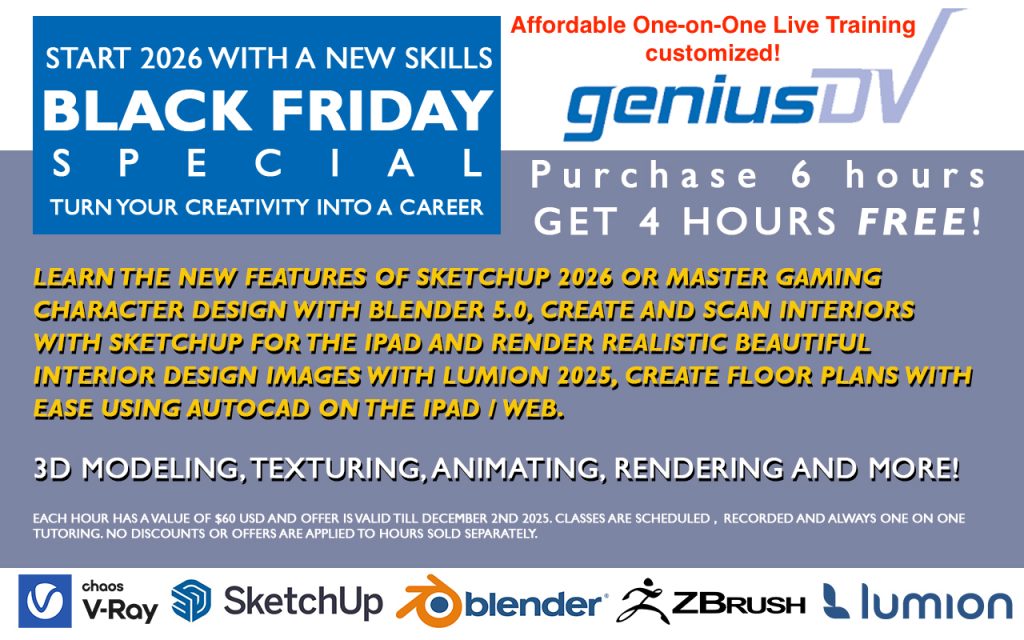
• V-Ray – Dive into advanced rendering techniques to produce realistic visualizations and images.
• SketchUp –
Learn intuitive 3D modeling for architecture, interior design, and more.
• Blender – Acquire skills in 3D creation, animation, and visual effects.
• Lumion 3D – Discover how to create stunning architectural renderings and animations with ease.
• Z Brush – Master digital sculpting for character design and complex modeling projects.
All training is tailored to your unique needs, ensuring that you receive focused guidance and practical skills. Take advantage of this special opportunity to advance your knowledge and celebrate GeniusDV’s milestone anniversary.
Contact us, and we will share additional details!