
Have you been thinking about bringing high-end color grading into your edit suite? The time to learn DaVinci has never been better. Blackmagic has a full professional version of DaVinci Resolve Lite at the irresistible price of free!You can get up to speed in a matter of days with GeniusDV’s intensive personalized training.
DaVinci Resolve is a coloring suite / video editing / audio suite used to grade major films and high-end creative jobs. This software professional toolset will work for even the most cost-conscious post production individuals.
GeniusDV offers personalized certified one-on-one customized training from a Certified Instructor for the following Black Magic DaVinci Resolve Courses.

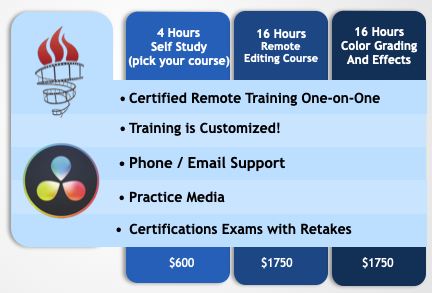
We offer three avenues of DaVinci Resolve training services that include customized live one-on-one remote training that combine a variety of certified courses to help you get certified. We currently use Zoom, so we can see your computer’s desktop and share the mouse.
- DaVinci Resolve Self Study Course + 4 hours of Live Customized Training
- Editing Course – 16 hours of Live Training
- Color Grading / Effects – 16 Hours of Live Training
Available Training Dates:
Our training schedule is very flexible (7 days a week (including mornings, daytime, evenings, etc.)
You will also have access to all the other courses below. A certified instructor will schedule the customized training hours to guide and teach you the software, so you can get certified.
There are six different certifications which include:
DaVinci Resolve Overview
– Fundamentals of Video Editing
– Critical audio editing, techniques
– Basic Color correction / grading
– Project Management
– Exporting a final product
Video Editing Course
– Creating dramatic scenes
– Advanced Editing Techniques
– Multi-Camera Editing
– Variable Speeds Effects
– Advanced audio mixing techniques
– AI Integrated Workflows
Color Correction
– Color Balancing Your Imported Footage
– Understanding Color Continuity
– Mastering Node Trees
– Tracking Objects / People
– Keyframes to Animate Color Grades
– Removing Color Noise
– Grading High Dynamic Range Footage.
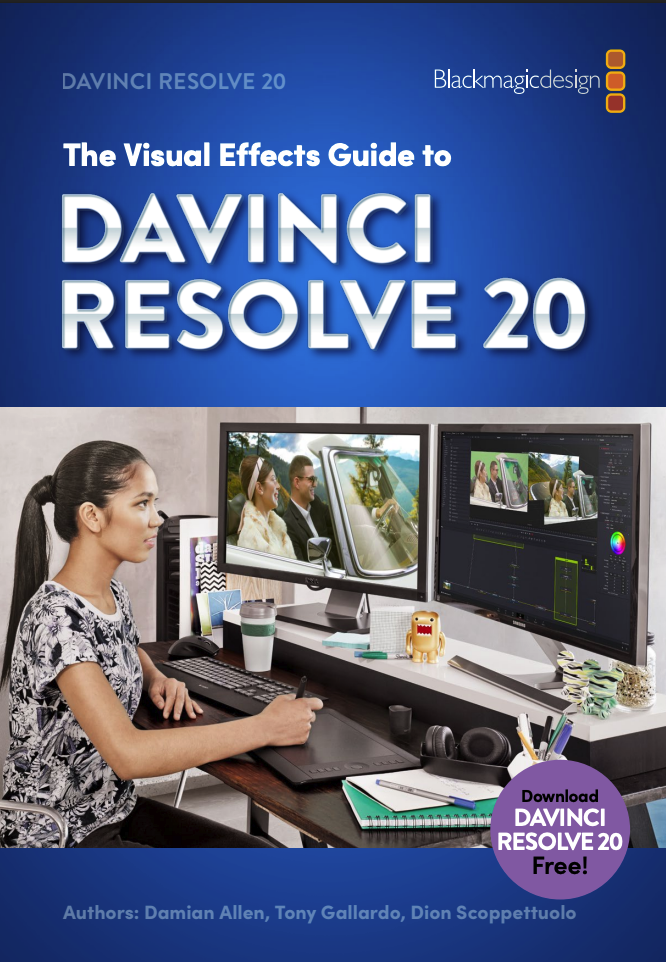
Visual Effects
– Introduction to Fusion
– Working with Masks
– Animating with Keyframes
– Tracking Planar Surfaces
– Rotoscoping / Green Screen
– Text with Animation
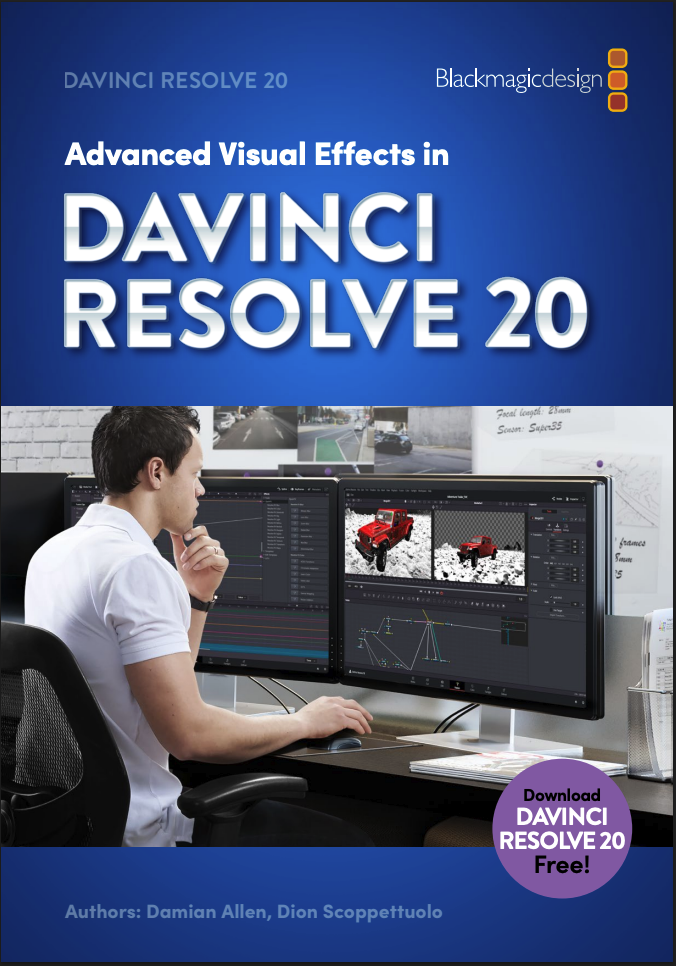
Adanced Visual Effects – Fusion
– Creating 3D Scenes
– Camera Tracking
– Using 3D Text
– Generating 3D particles
– Positioning 3D objects
– Surfaces and Shaders
– Adding Lights to a Scene
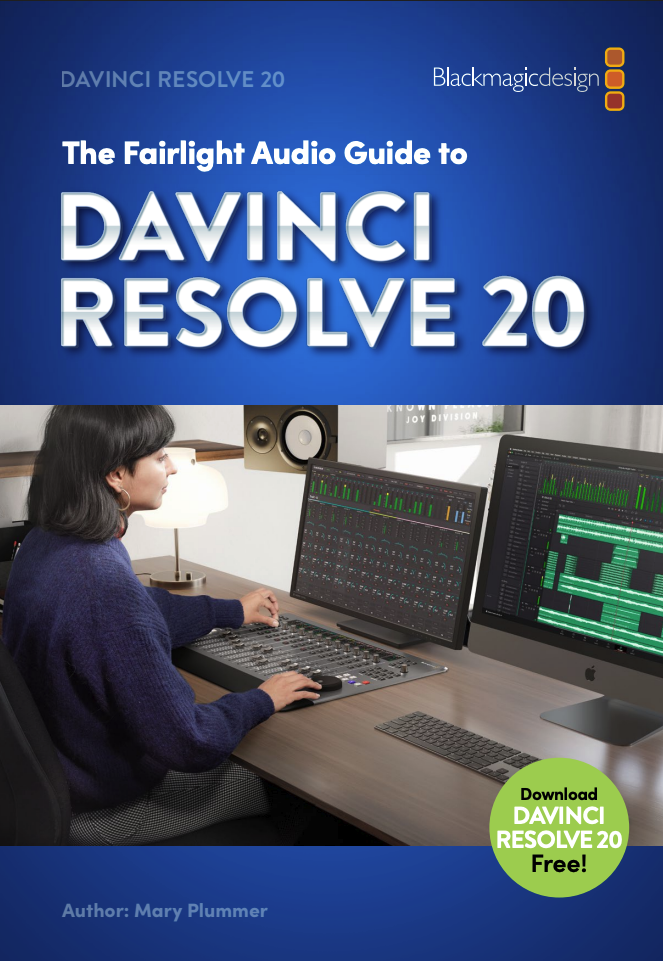
Audio Mixing using Fairlight
– Building a Soundtrack
– Editing Dialogue Tracks
– Editing Sounds Effects and Music
– Voice-overs, and Foley Sampler
– Balancing Clips and Panning Tracks
– Audio Repairs
– Creative Sound Design
– Groups, Busses, and Nested Timelines
– Delivering Tracks
Upon completion, you will have the option to become DaVinci certified in the course(s) that you complete.
With your GeniusDV training, you’ll be all ready to fix problematic shots, guarantee consistency across the shots in each edit, relight scenes, amplify character moods, and apply the visual effects to help your video stand out. You will be amazed!
Call and/or email us to enroll so we can customer the course for you. (866-566-1881)